BUYER GUIDE

How to Read Window & Door Test Reports

Connect a document to the product, specimen and configuration you are actually considering.

For importers, distributors, contractors, project buyers and homeowners planning custom aluminum windows.
Own factoryCustom configurationsProduct documentation
BUYER RESOURCESReading Test Reports
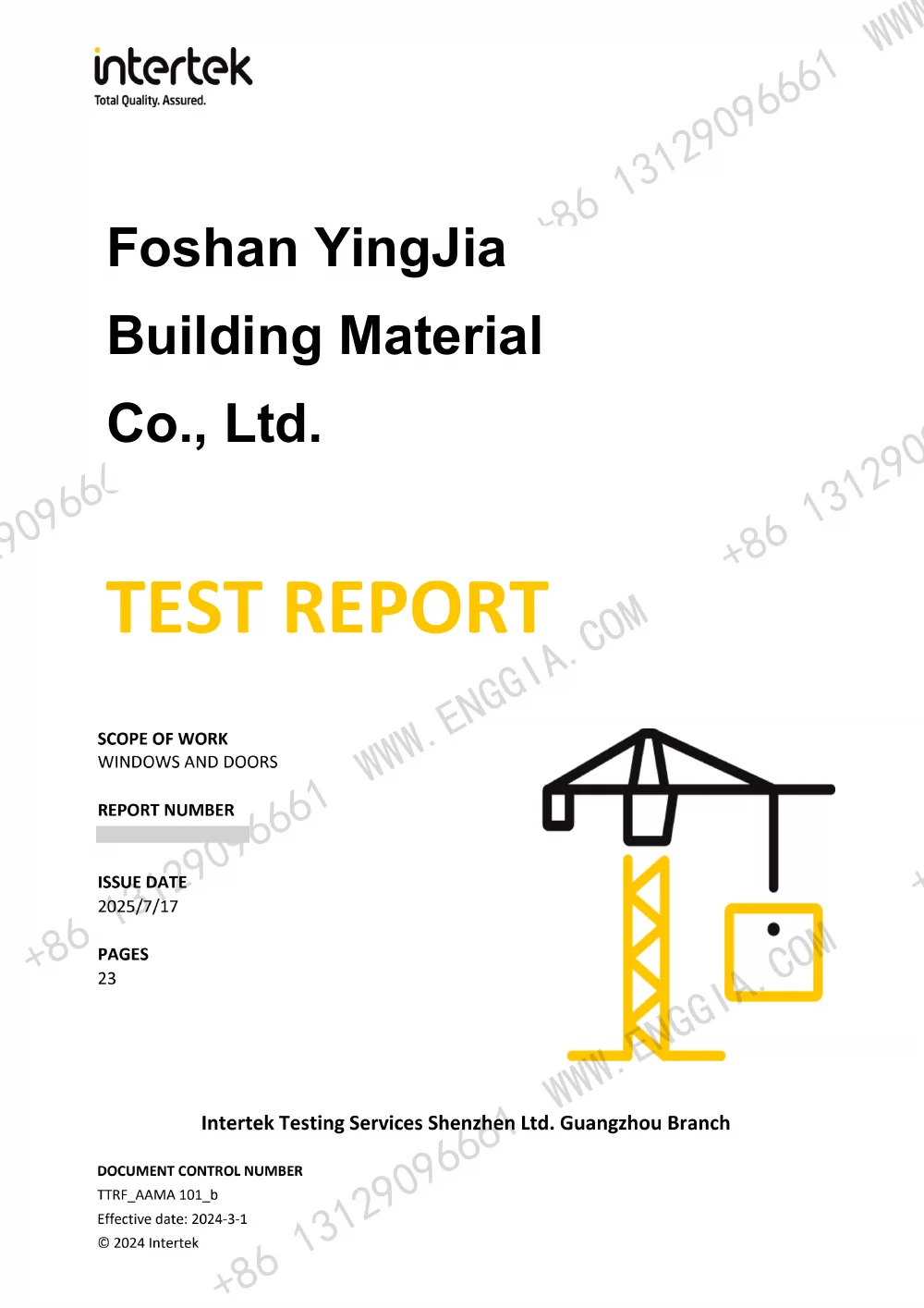
Redacted AAMA bifold-door test report preview
REFERENCE VIEWRedacted document preview

Begin with document identity

Record the title, reference number, named company and document date. Identify whether the file is a test report, certification record, conformity document or a label. These records answer different questions; a cover image alone does not establish all of the conditions in the full document.

Build a product-to-document checklist

CheckQuestion to ask
Product identityWhich system and opening type are named?
Specimen sizeWhat width and height were tested or listed?
ConfigurationWhich glazing, panel arrangement and hardware are described?
Test or certification scopeWhat requirements and results are actually included?
Document completenessAre the schedule, result pages, limitations and attachments included?
Your proposed orderWhich details match, and which changes need review?
Current project useWhat confirmation does the project designer or reviewer require?

Examples from our document collection

Website document IDPublic previewUseful starting point
RD02CSA certificate preview — 80 Series Windows / 128 Series Sliding DoorRequest the original holder details, system entries and listed conditions.
RD3080 Series Bifold Door — AAMA test previewCompare the full specimen description with the proposed order.
RD23AS80 Sliding Door — AS 2047 test previewReview the tested configuration and result pages.

Keep model names distinct

A similar number in a catalogue and a report is a starting point for a question, not proof that the systems are identical. Send both the catalogue product ID and the document reference. Ask the factory to explain the correspondence and any differences in the proposed configuration before using the document in a project submission.

Ask for a targeted review

Please review catalogue product [ID], opening [ID and dimensions], glazing [details] and project requirements [list] against document [reference]. Identify matching conditions, differences needing review and the full pages required for our project team.

Browse the redacted document previews ↗Compare quotations with the same evidence scope ↗

FAQ

Before we begin.

A few things to know before you start your window and door inquiry.

Is a label the same as a complete report?

No. Ask for the underlying record and relevant schedules or result pages. Keep the label as an identifier rather than a substitute for the full scope.

Can I apply a report to a different size or glazing choice?

Ask the factory and project reviewer to assess the change against the document scope. Do not assume that a result transfers unchanged to another configuration.

Does the date on this site confirm current certification status?

A preview does not establish current certification status. Request the complete original record and any current confirmation needed for your project.

YOUR PROJECT, YOUR CONFIGURATION

Start with your opening schedule.

Share products, dimensions, quantities and destination.

Request a Quote ↗